Fast 5 Data Loss Do's and Don'ts
A quick rundown for what you should do if you've lost data or have had drive failure
Data Do's
1. Work out if it's just files lost or the whole drive is faulty
2. If its just files missing, check the recycle bin or nearby folders and do a search for the missing file names.
3. Note if the drive has been slower or making odd noises
4. Make a note of what sort of noises it makes
5. With an external hdd not whether any lights come on, if it feels like it's spinning.
Data Don'ts
1. Don't save anything to the disk where the files are missing. It may write over something we can save
2. Dont spend a lot of time on a drive that has slowed down and shown other faults. The longer it runs the more issues it can accumulate
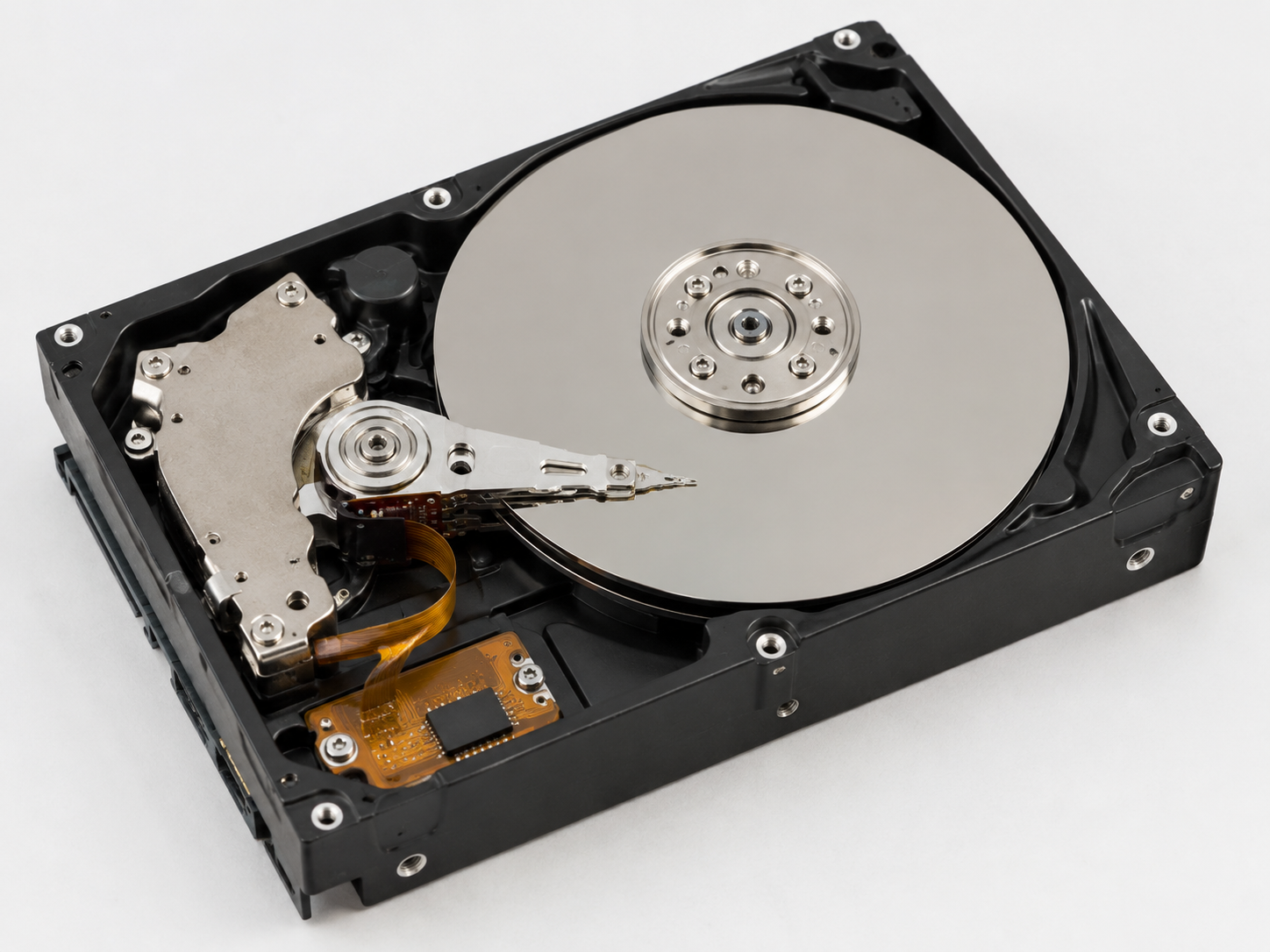
3. Don't try and open the metal hdd casing. Opening it outside a clean-room environment will almost certainly make things worse
4. Don't try and format it if the computer says it needs to be done.
5. Don't Panic. Central Coast Mobile Computer Services have a lot of experience with data recovery and failing drives. Call us on 43883106 or contact us through this website for help
You might also like
Blog